
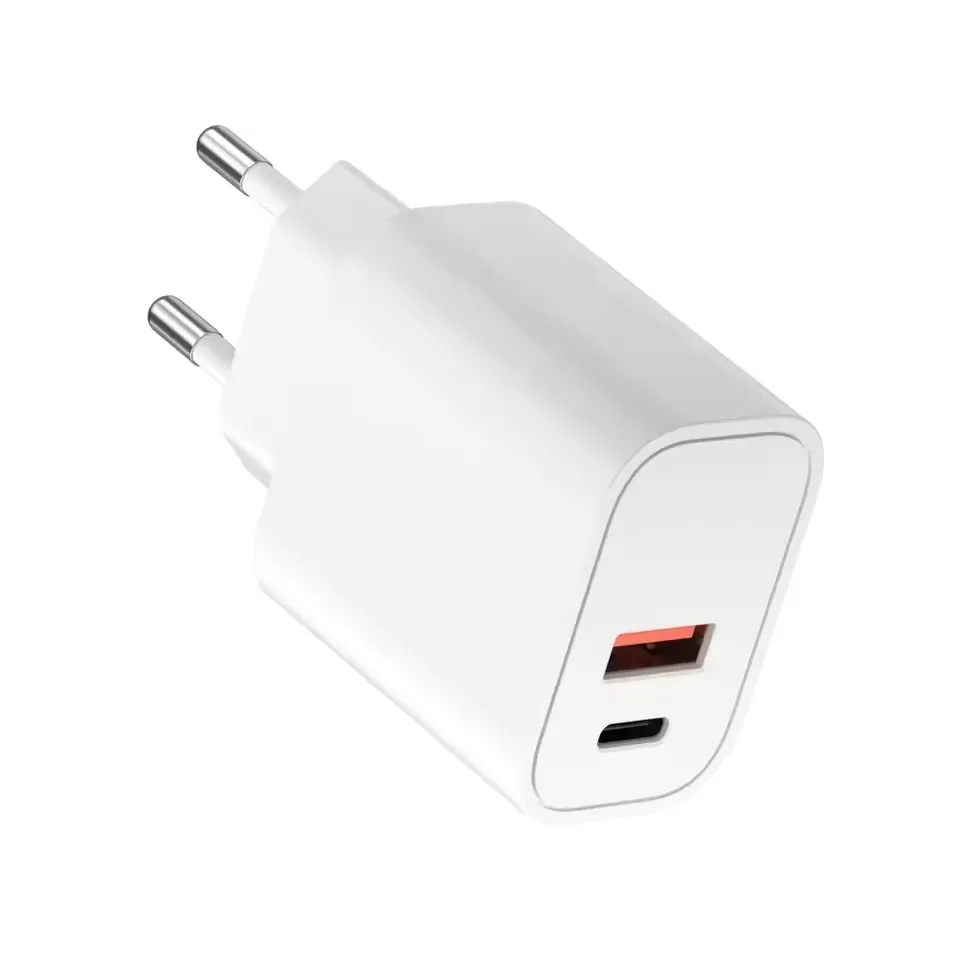
ChargerUSB-A + USB-C
USB-A + USB-C
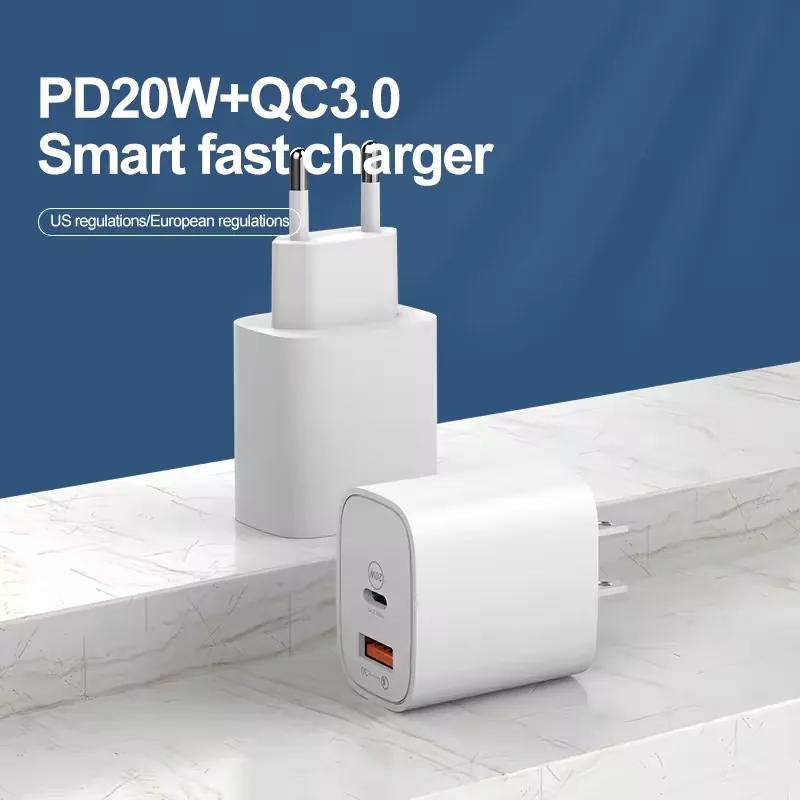
YBD-P150 USB-A + USB-C Dual-Port Wall Charger
Mobile-phone, tablet and private-label wall-charger sourcing programs
Power20W / 65W conflictPortsUSB-A + USB-CPlugUS / EU listed
product collection
Compare wired and wireless charger configurations, then define devices, port mix, plug and market requirements for RFQ.
Charging-system map
Port mix, simultaneous load, plug, bundled cable, and destination market belong in one brief.
Define simultaneous use
Review requested profiles
Match plug and evidence
Compare starting configurations, then open a product to review model-level details.
USB-A + USB-C
Mobile-phone, tablet and private-label wall-charger sourcing programs
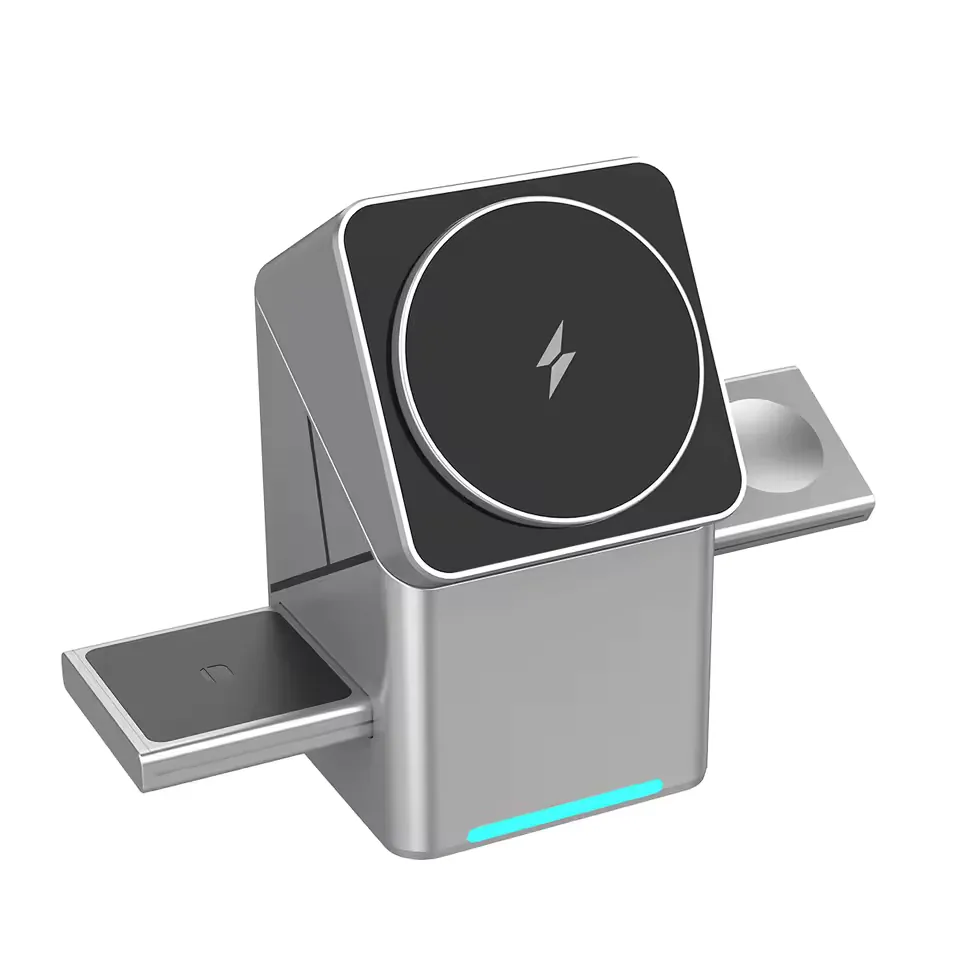
3-in-1 wireless
Mobile-accessory, desktop-charging and private-label 3-in-1 wireless-charger programs
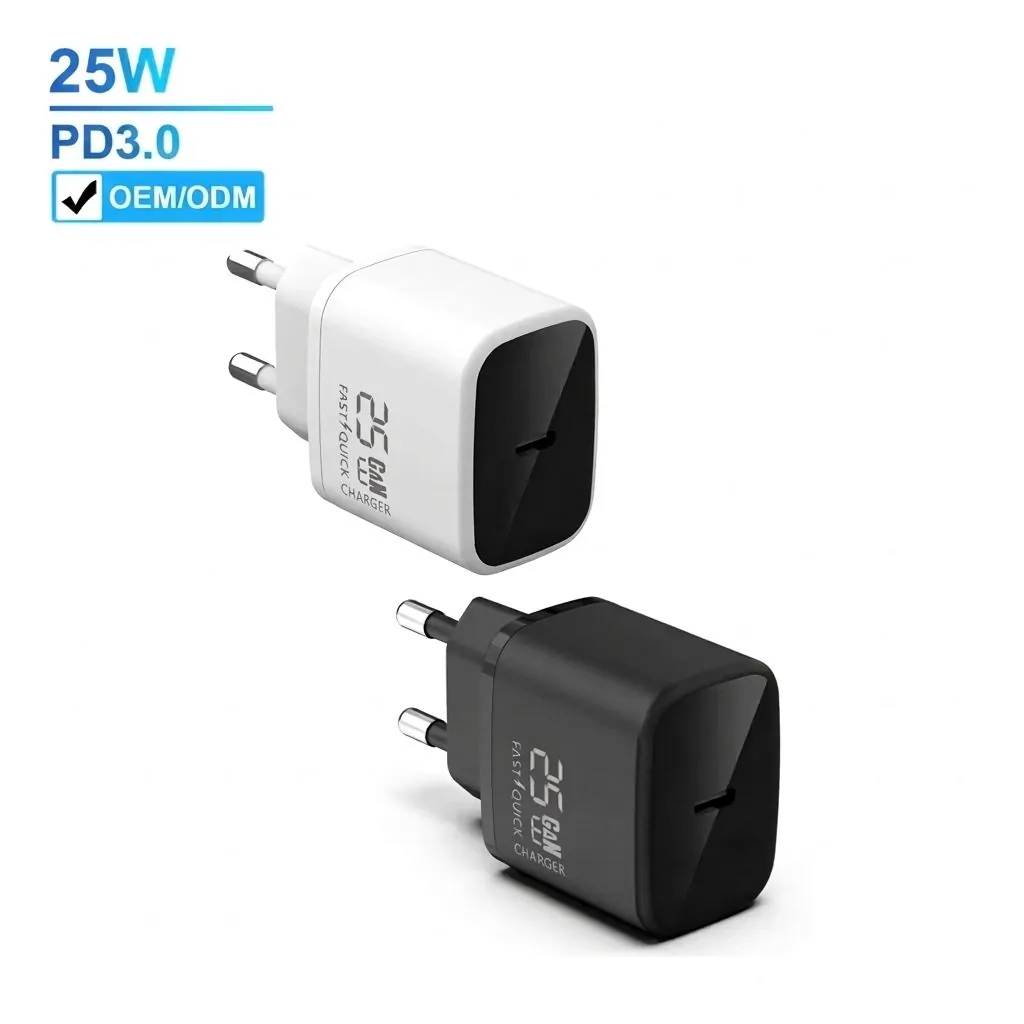
GaN 25W USB-C charger
Wholesale mobile-phone charger, USB-C Samsung, iPhone and travel wall-charger programs needing low MOQ review and private-label quotation
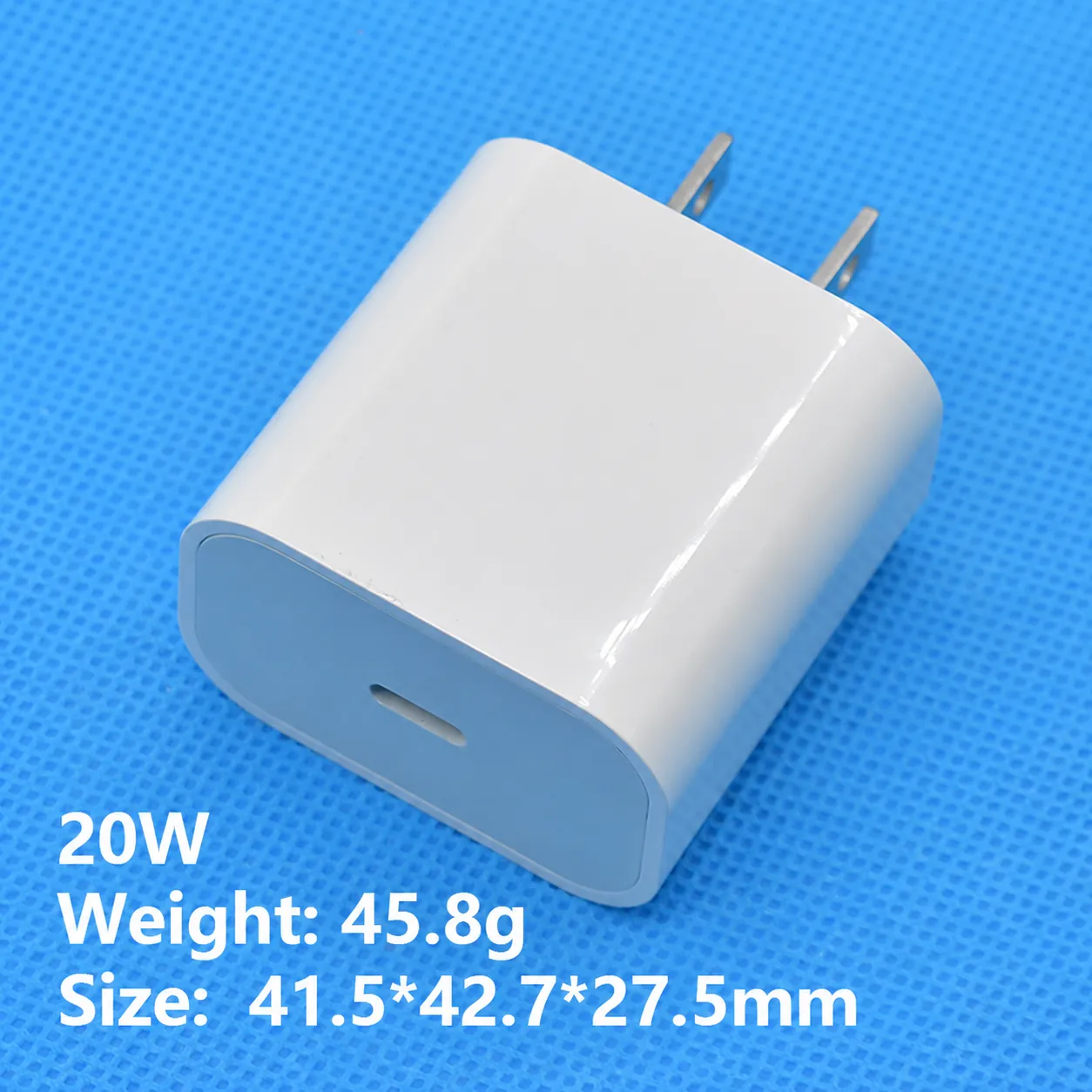
20W USB-C charger
Private-label 20W USB-C wall charger programs for phone, camera, travel and accessory bundles
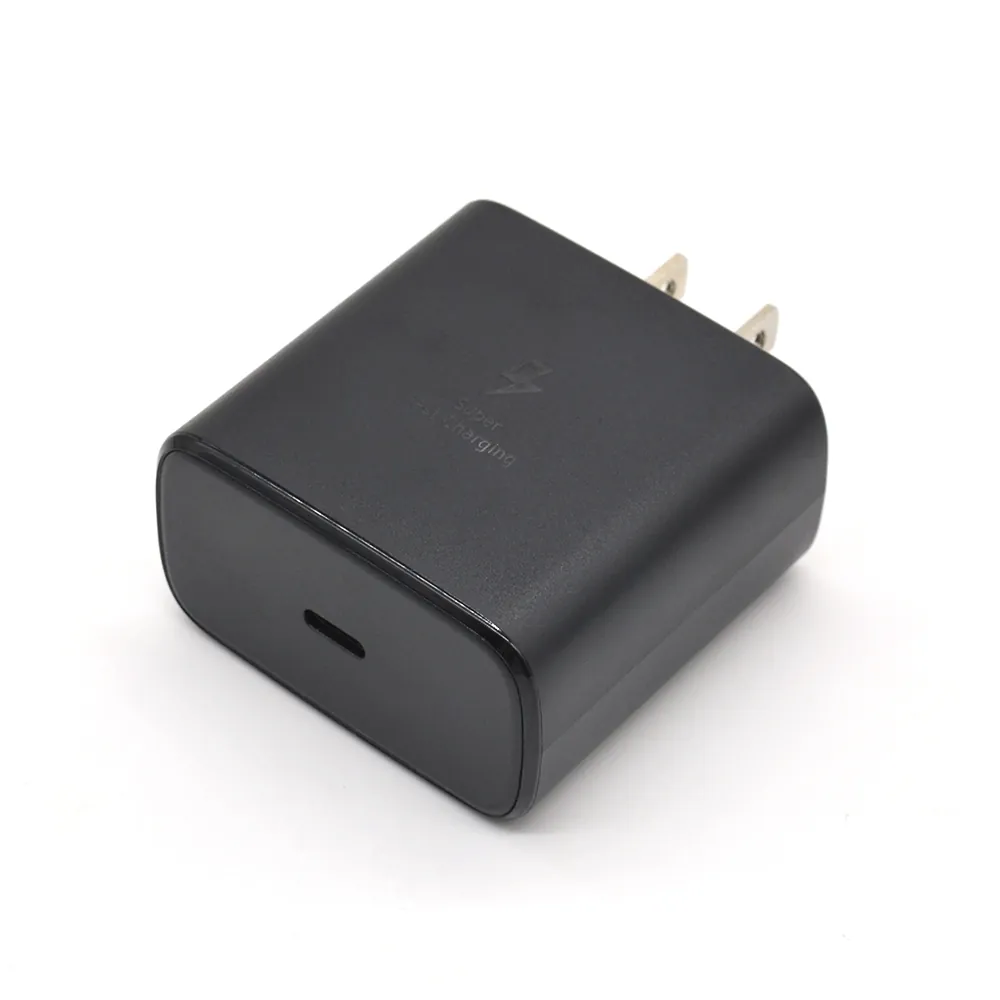
45W PD USB-C charger
Private-label 45W USB-C PD wall charger programs for phones, earphones, smart watches, cameras and travel accessory bundles
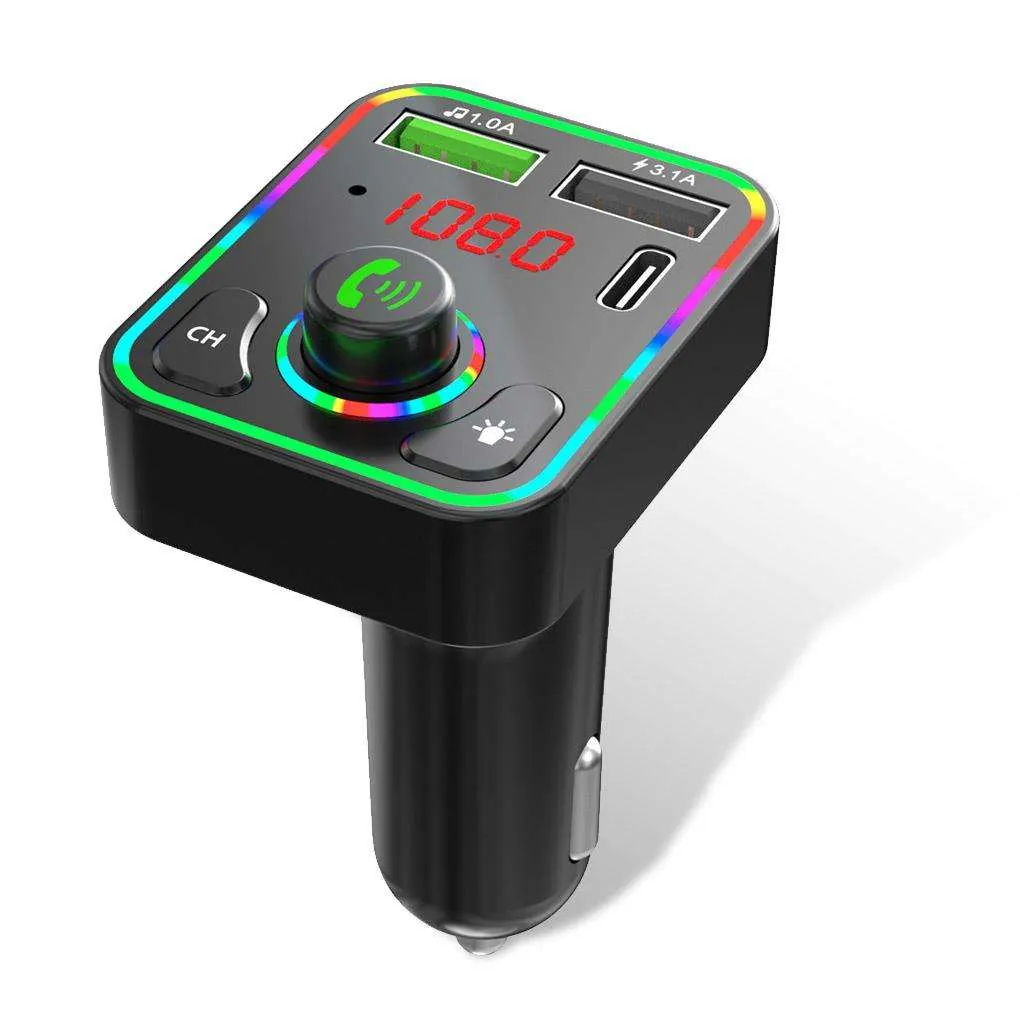
BT5.0 FM car charger
Wholesale car accessory, truck charger, handsfree-call, FM transmitter and private-label in-car charging programs
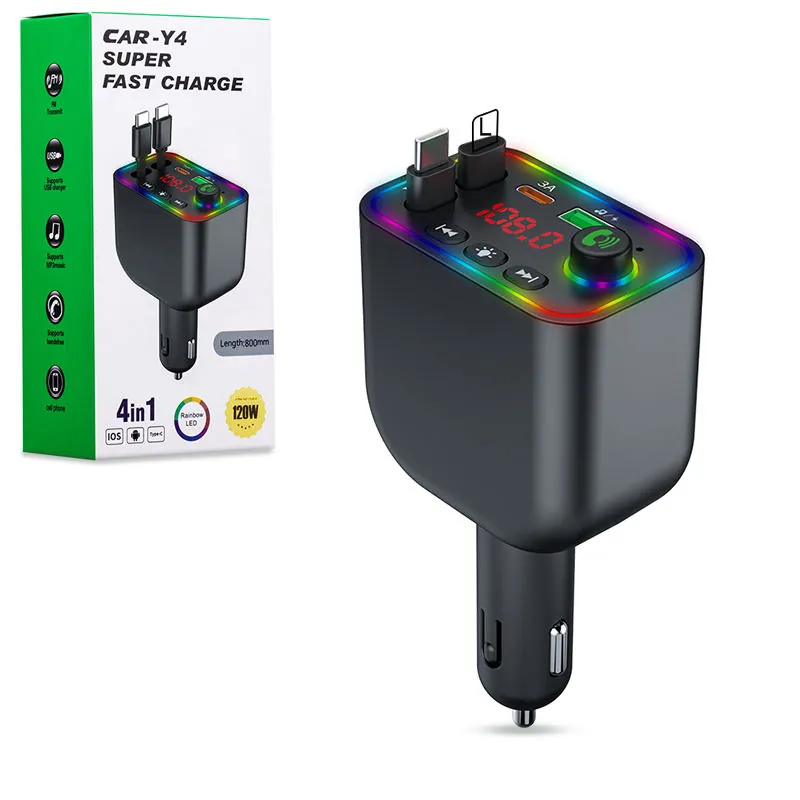
BT5.3 FM car charger
Wholesale car accessory, FM transmitter, Bluetooth handsfree, MP3 music player and private-label in-car charging programs needing custom packaging and logo review
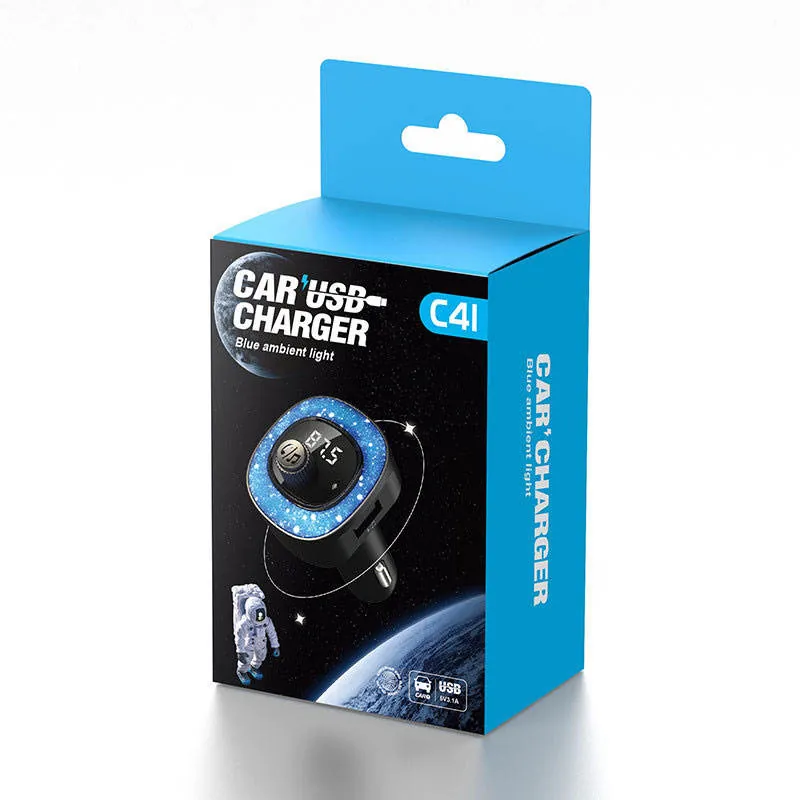
Star BT car charger
Wholesale car accessory, starry ambient-light charger, phone BT wireless car charger and private-label in-car charging programs
Charging-system brief
List every device that must charge, including what operates at the same time. Then define ports, plug and destination market.
Choose a starting point
Charger RFQ control
Similar power labels can hide different device behavior, plug formats, package claims and evidence needs. The RFQ should make those decisions visible.