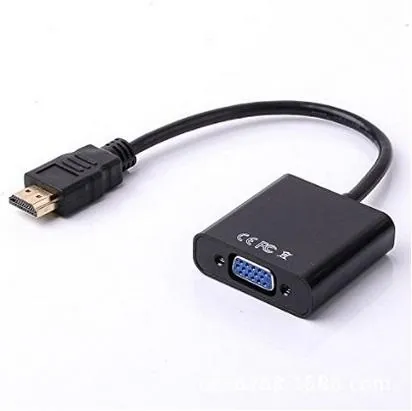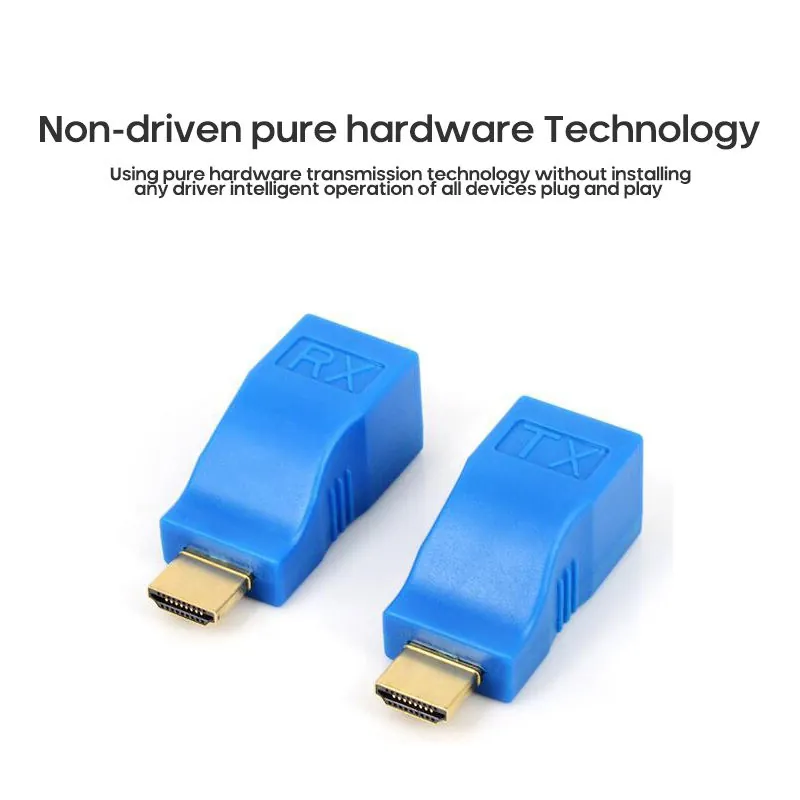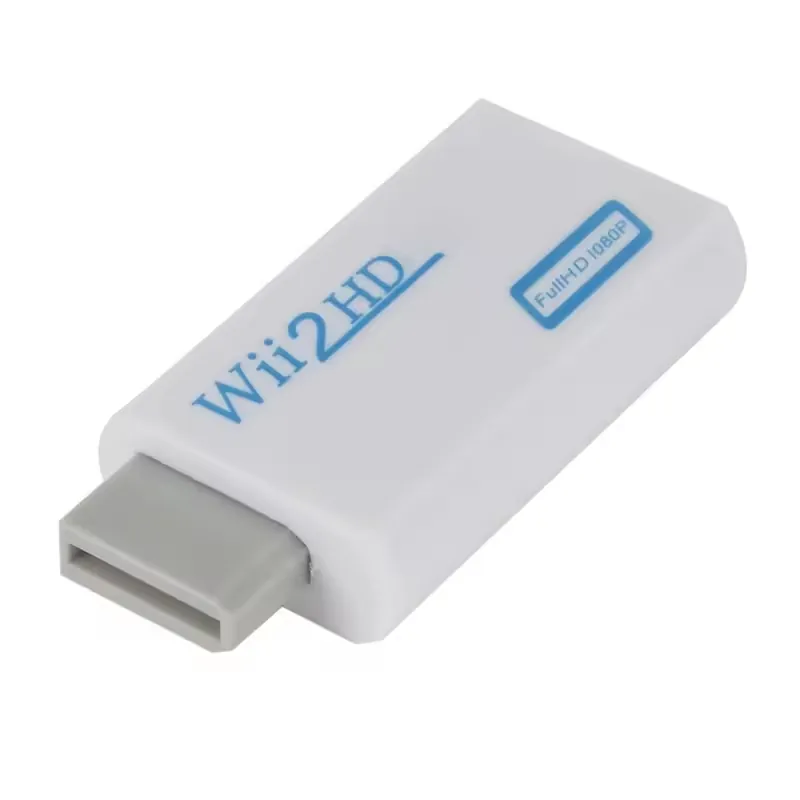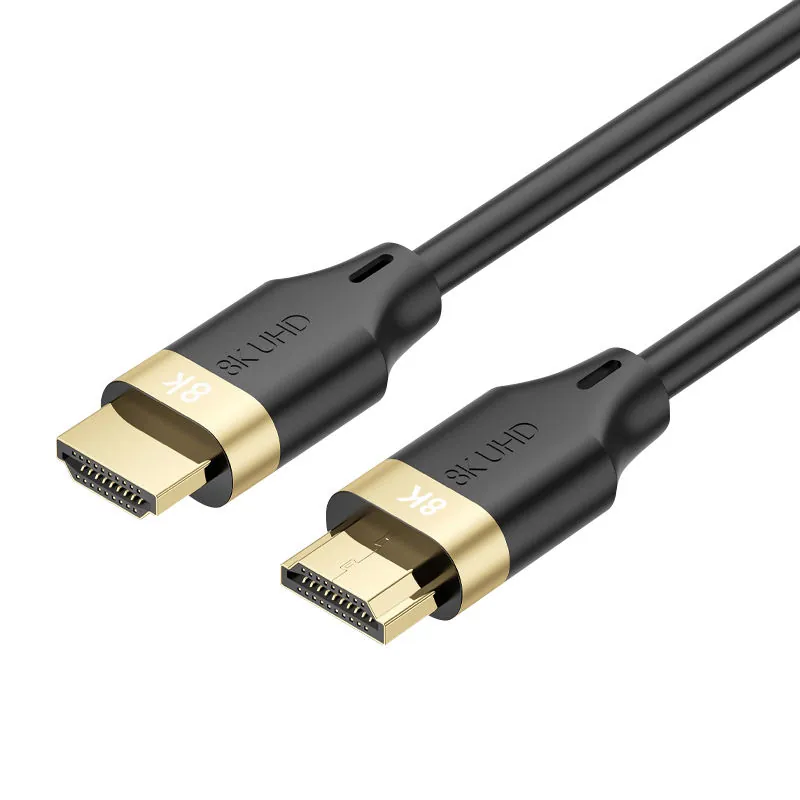
product collection

HDMI Cable Range for B2B Sourcing

Compare HDMI cable configurations, define display and installation requirements, and request a quote or sample for a selected model.

IdentifySource device and display
DefineDisplay target and signal path
ConfirmLength, route and selected model

Source → cable → display.

The display target, installation length, and test conditions determine what can be approved.

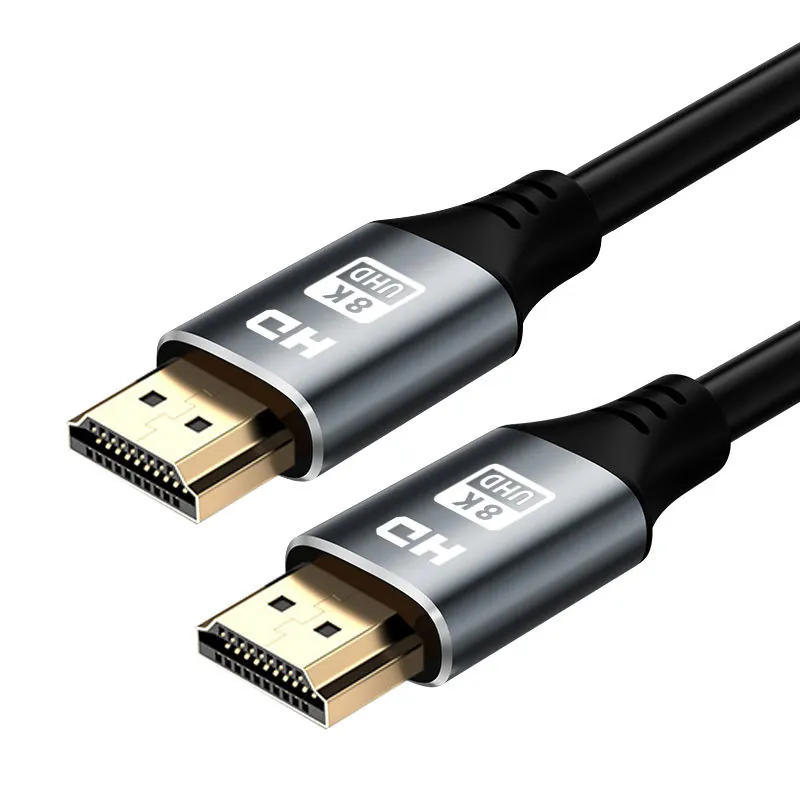
Generic HDMI male-to-male cable showing both connector ends
HDMI connector-family reference · configuration pending
  1. 01
    SOURCE

    Identify the output device

  2. 02
    INSTALL

    Define route and length

  3. 03
    DISPLAY

    Lock the target behavior

Configuration starting points.

Compare starting configurations, then open a product to review model-level details.

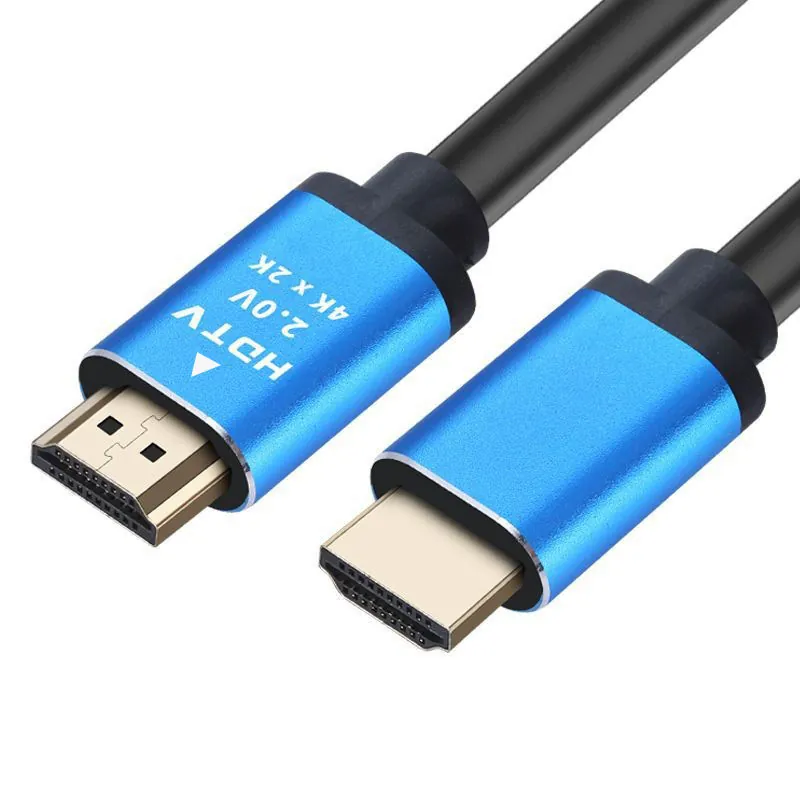
Generic black braided HDMI male-to-male cable with both connector ends visible
HDMI CableHDMI configuration

HDMI configuration

HDMI Cable Configuration

Display, projector and distribution programs

ConnectorConfirm selected SKUDisplayDefine target modeLengthConfirm installation
01SourcePlayer, console or computer
02HDMI cableConnector, length and construction
03DisplayTV, monitor or projector

Define the signal path.

Start with the source, display target and installation route. Then select the connector format, cable length and model to review.

Device pairDisplay targetRoute & length

Continue with a use case.

ConfigureDefine the HDMI configuration EvaluateRequest an installation sample SpecifyPrepare the HDMI cable RFQ
Black braided HDMI cable connectors arranged for sourcing review
Quote the installation path, not only the cable name.

The buying decision is the signal path.

A useful HDMI brief names the source, display target and route before display-performance language is approved for packaging or sales copy.

01Source pairPlayer, console, computer and display pairing.
02Display targetResolution, refresh or feature language.
03RouteDesk, retail, theater or installed path.
04BuildJacket, housing, package and brand position.
05EvidenceClaims reviewed against the selected SKU.
Prepare the HDMI cable RFQ