product collection

DisplayPort Cable Range for B2B Sourcing

Compare DisplayPort cable configurations and prepare connector, display, length and construction requirements for RFQ.

IdentifyHost interface and direction
DefineWorkload and display target
ConfirmLength, construction and model

Host, monitor, workload.

Specify direction and device setup before relying on version, bandwidth, resolution, or refresh language.

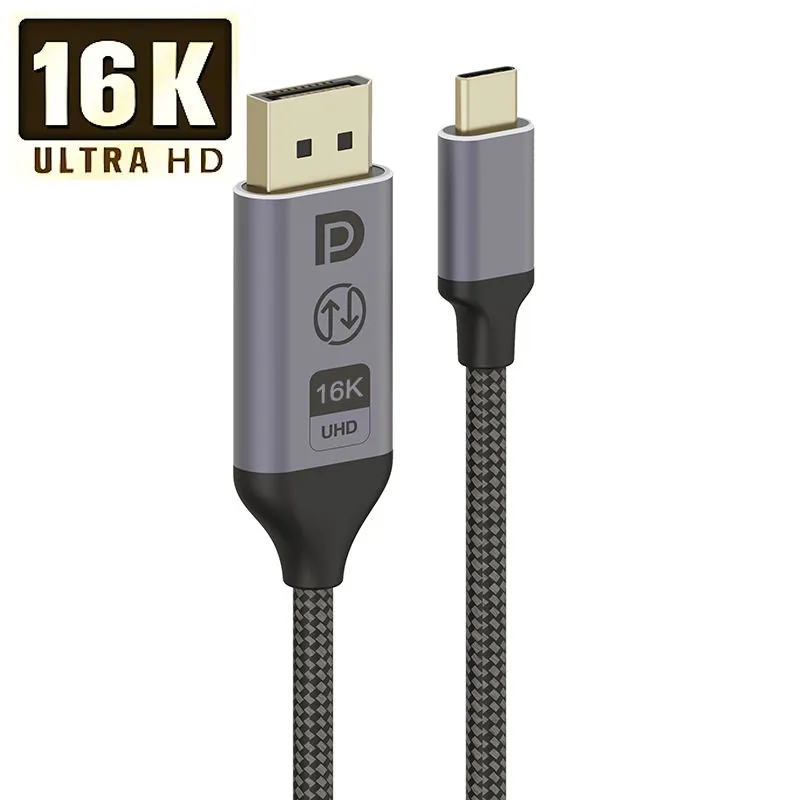
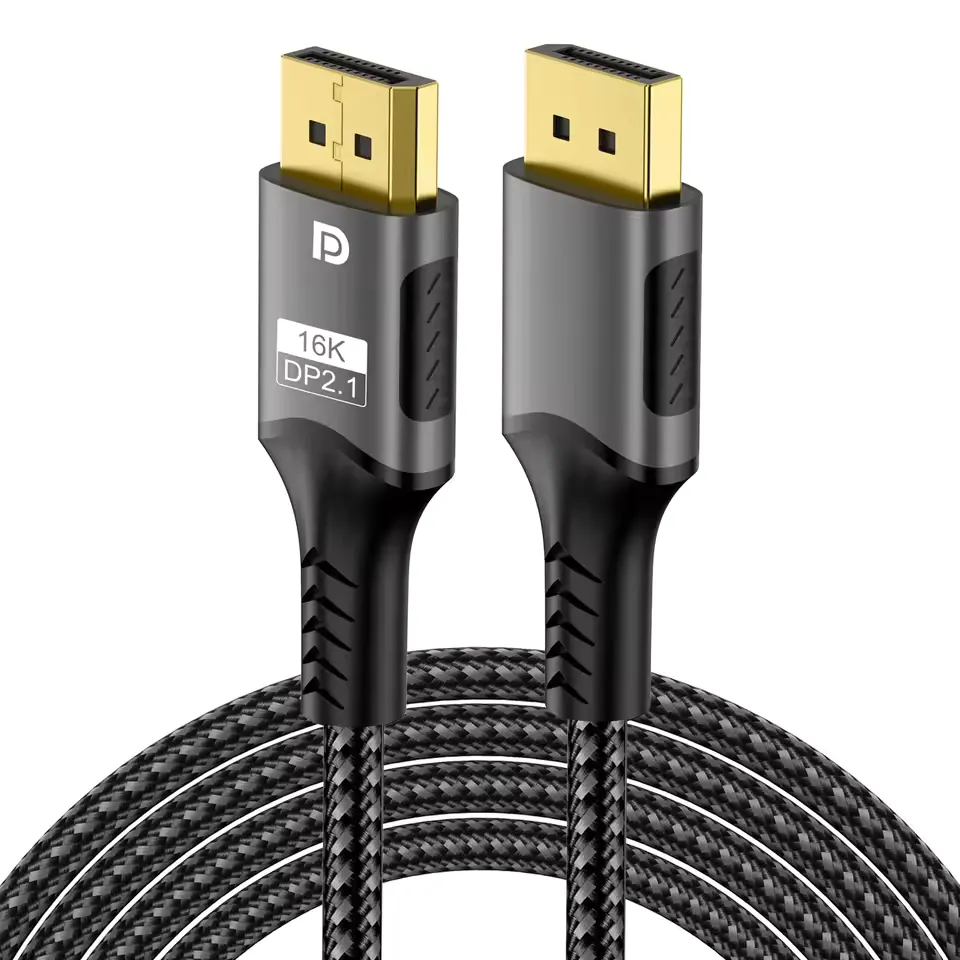
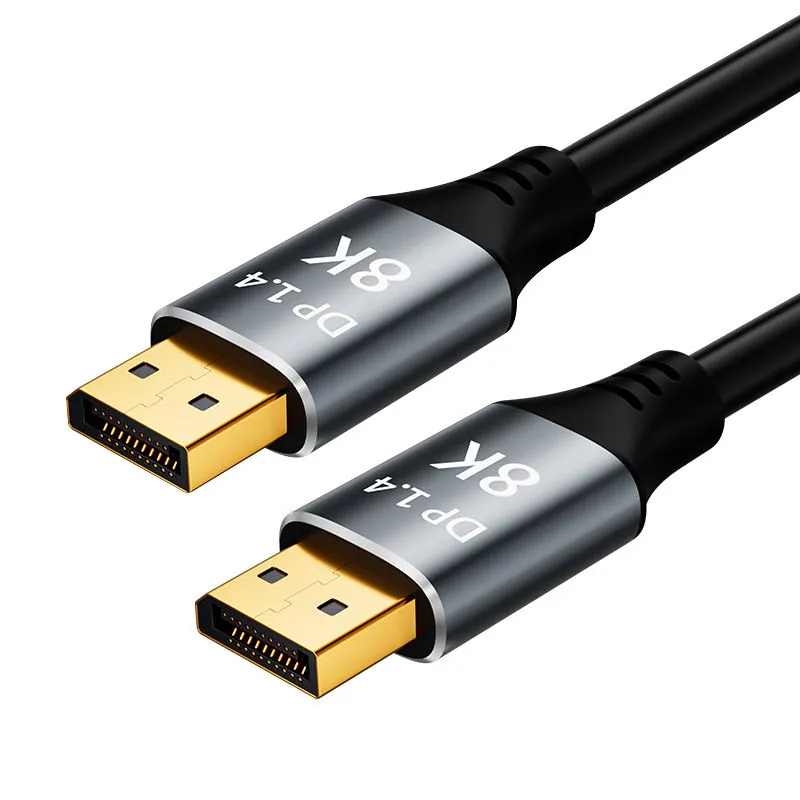
Black braided DisplayPort cable showing both male connectors
Product-family visual · claims remain evidence-gated
  1. 01
    HOST

    GPU or source interface

  2. 02
    WORKLOAD

    Office, pro, or gaming

  3. 03
    MONITOR

    Input and display target

Configuration starting points.

Compare starting configurations, then open a product to review model-level details.

Black braided DisplayPort cable showing both male connectors
Selected supplier configuration · review model-level evidence before approving claims

Define the display workload.

Start with the host interface, monitor input and required workload. Then confirm signal direction, cable length and construction.

01HostGPU or source interface
02WorkloadOffice, professional or gaming
03MonitorInput and display target

Continue with a display setup.

CompareReview the selected DP model EvaluateRequest a setup sample SpecifyPrepare the DisplayPort RFQ
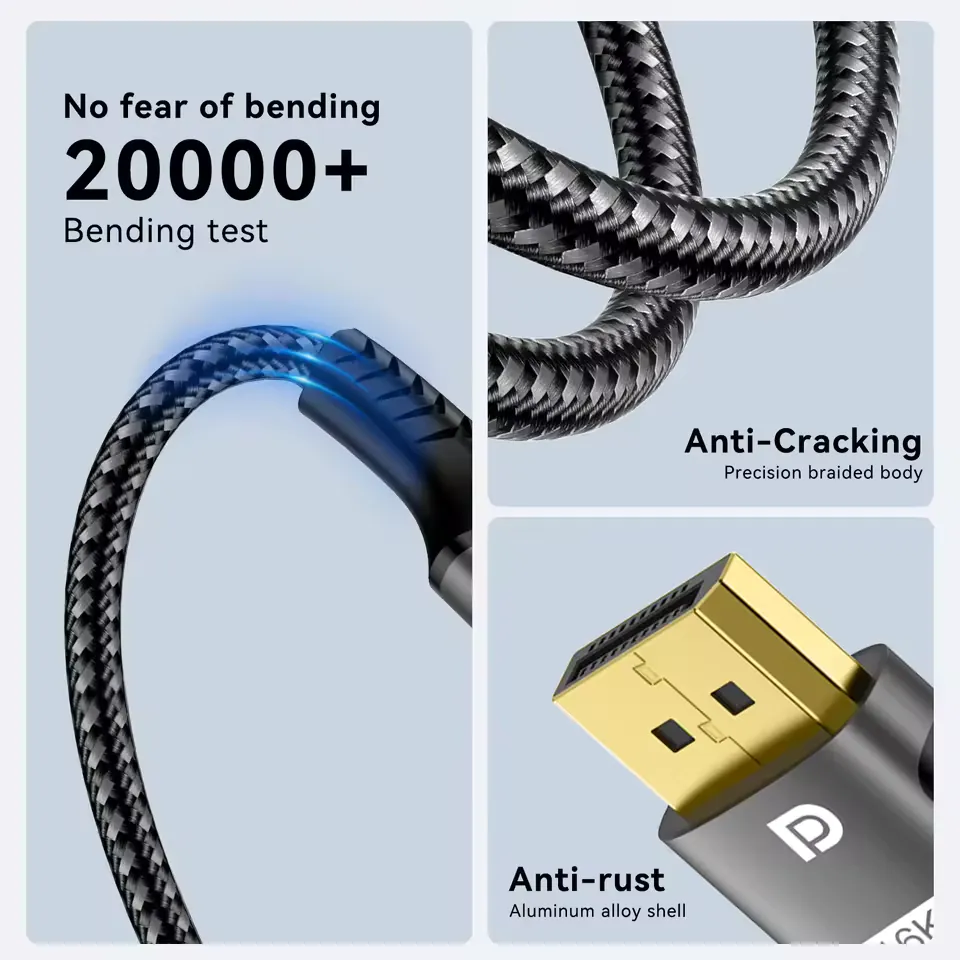
DisplayPort cable connector and braided construction detail
Match the cable to the host, monitor and workload before approving claims.

DisplayPort sourcing starts with workload.

A useful RFQ captures the host, monitor, workload, direction, length and construction before protocol or display-performance claims are approved.

01Host and monitorSource and display setup matched before quote.
02WorkloadOffice, pro display or gaming use.
03DirectionStandard DP, adapter or special path.
04BuildLength, jacket, braid, housing and packaging.
05EvidenceClaims tied to the selected model record.
Prepare the DisplayPort RFQ